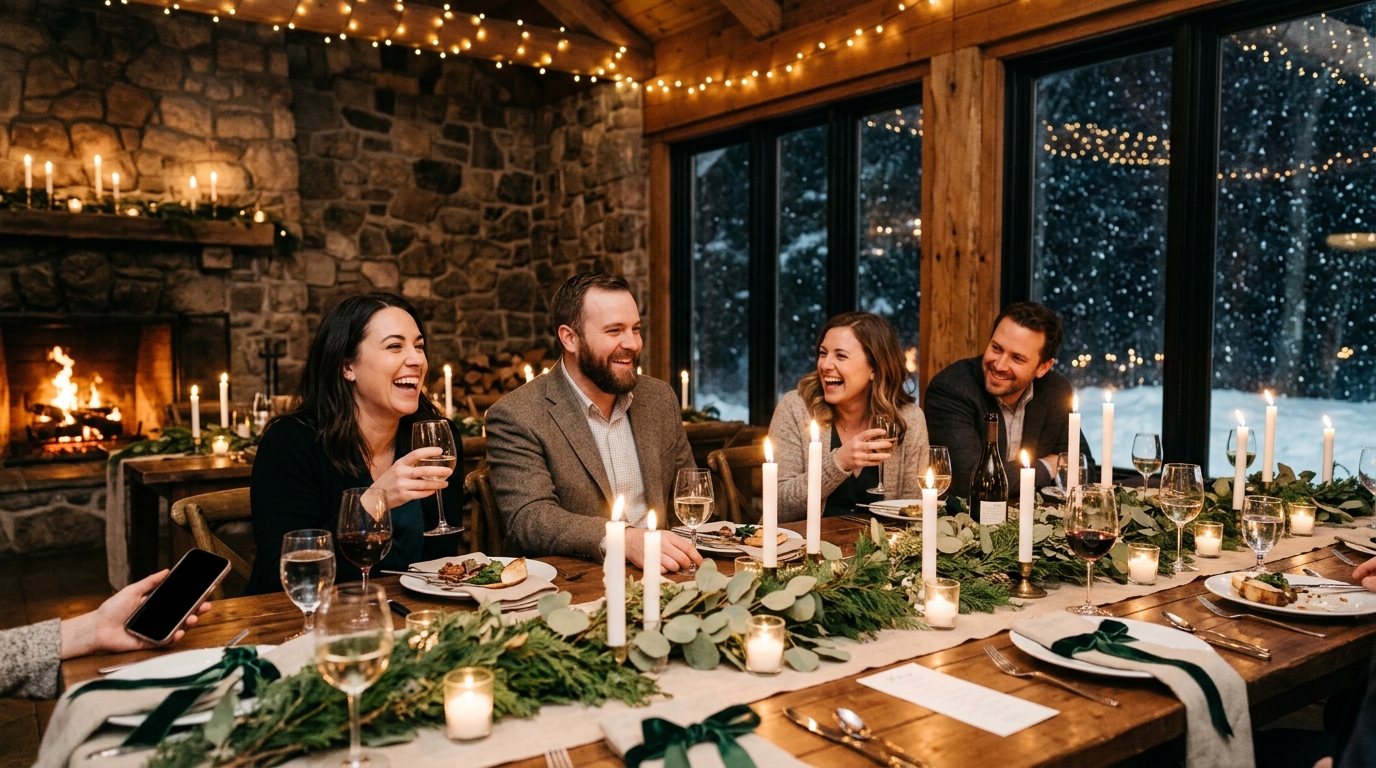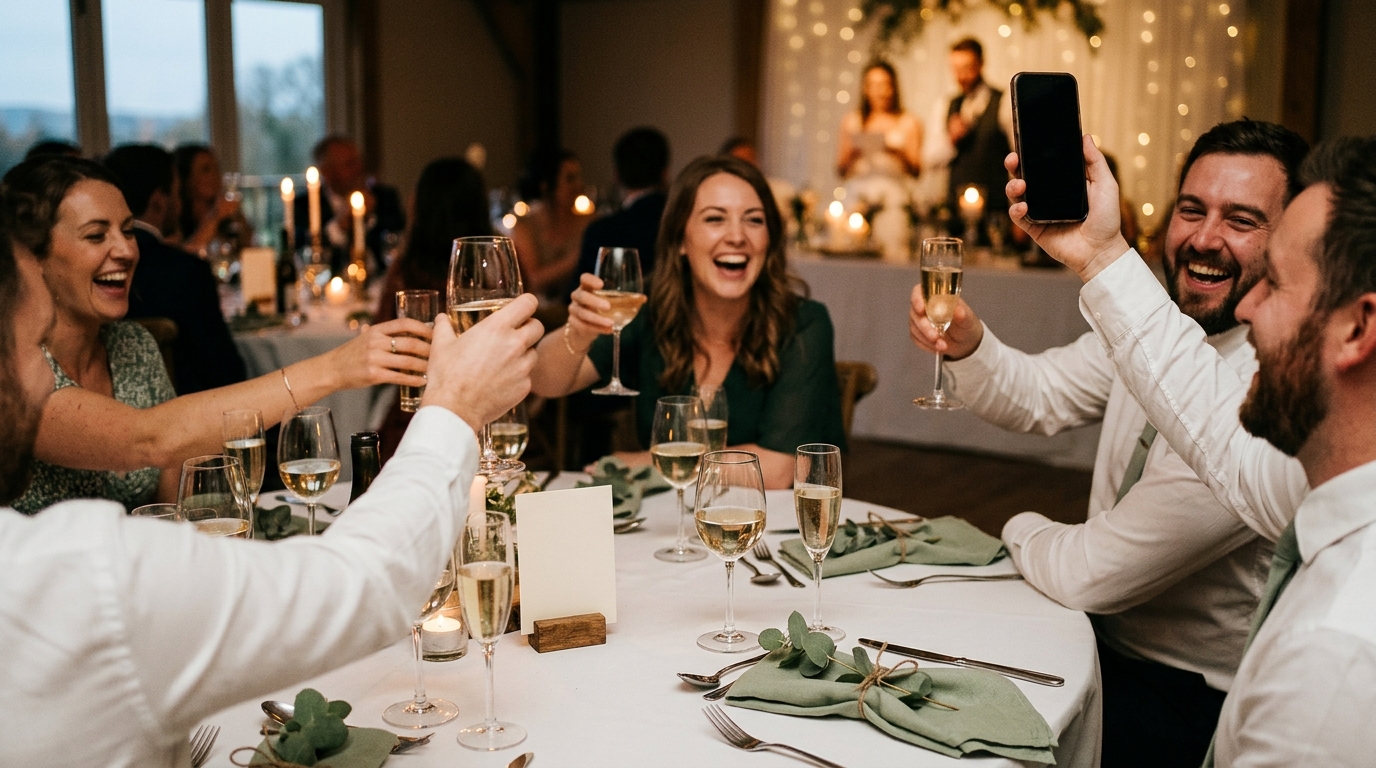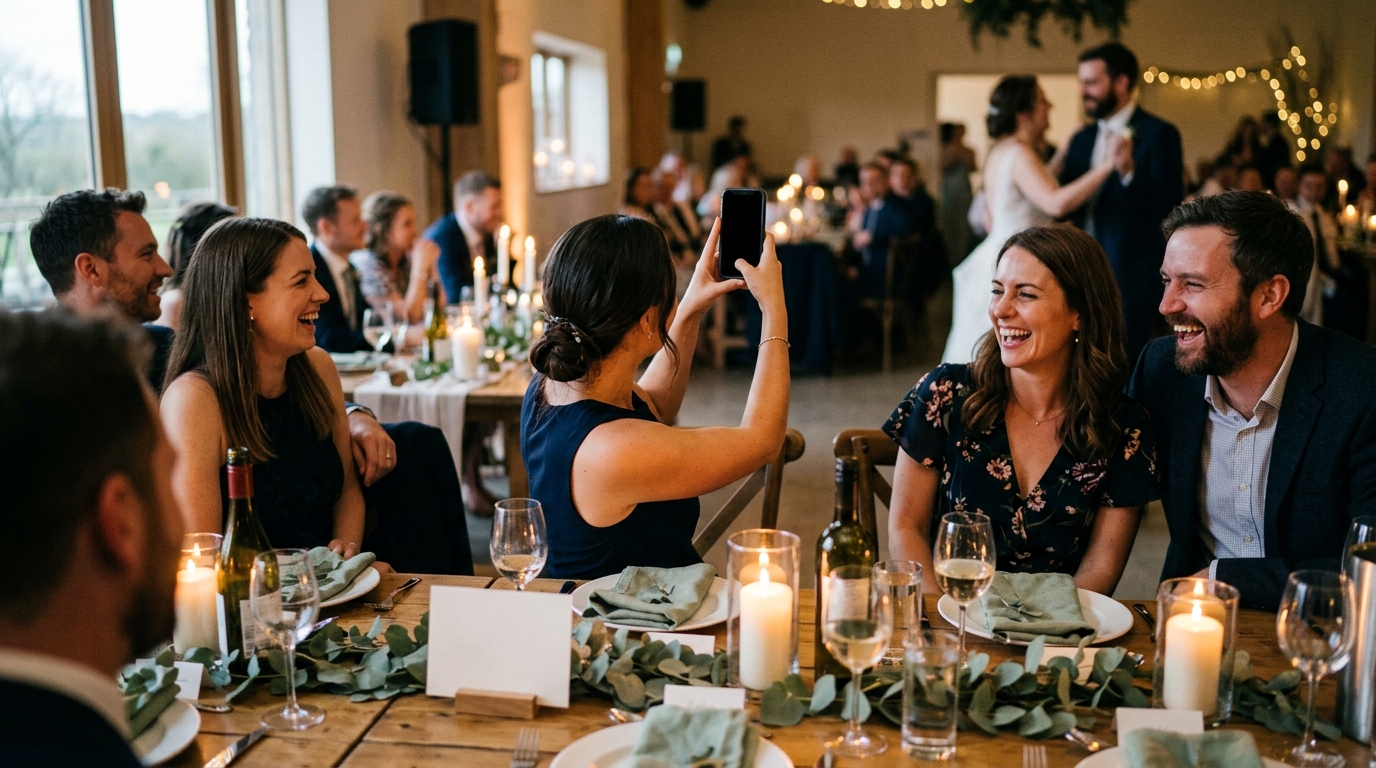

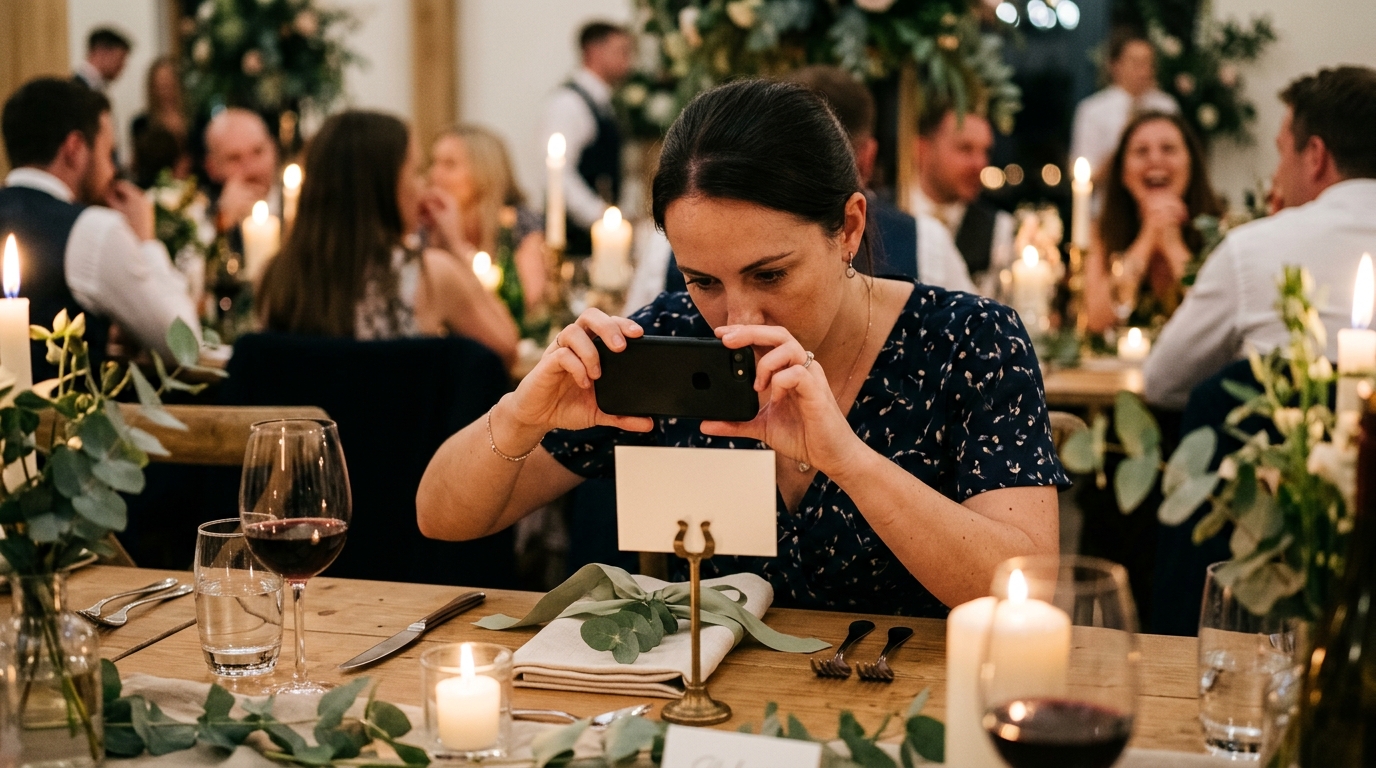
Every guest at your wedding is carrying a camera, and most of them will use it. The hard part is getting the pictures to you afterward, without a group chat, a shared folder nobody opens, or a dozen "I'll send them this week" promises. A QR code for wedding photos solves that in the simplest way possible: a guest points their phone camera at a small square on the table, taps the link that appears, and the two of you have the picture before the band has finished the song.
This guide covers the practical side: where the code should go, what to print beside it, what guests see after they scan, and what to do when the venue's signal is bad, which it often is.
Why a QR code works where other asks do not
Most ways of collecting guest photos fail at the same point: they ask for effort later. A hashtag needs a public account and scatters the photos. A shared album needs an invite, often an app, and an evening of sorting. A text the morning after arrives when the moment has passed. A code in the room is different for three reasons:
- It is in reach at the moment the picture is taken. The guest who just caught your grandmother laughing is holding their phone, looking at a card six inches away.
- It needs no setup from the guest. Phone cameras recognize QR codes on their own. There is nothing to download, type, or sign up for.
- It works for everyone. Your college friends and your great-aunt use the same gesture, point, tap, done, on iPhone and Android alike.
With Moments, the scan opens the prompts you chose in the guest's browser, and whatever they capture lands in a private storybook for the two of you. The rest of this post is about making that scan happen.
Where the QR code for wedding photos should go
The rule is that a guest should never have to get up to find it. Two placements do almost all of the work; the others fill gaps.
- One large sign by the entrance. Put it where people pause: beside the welcome sign, the seating chart, or the guest book table. Make the code big enough to scan from a few feet away, drink in hand.
- A small card on every table. This is the placement that does the most. The lull between courses, the minute after the toasts, the moment someone sits back down from the dance floor: that is when a table card gets picked up and read. One standing card per table; two if the tables are long.
- A code in the program. If you are printing an order of service, add the code to the back. The guests who photograph the processional will have the link before cocktail hour starts.
- The bar. A card there catches the people who never sit down.
- The getting-ready rooms. Not a sign, just a text to the wedding party with the link the night before.
Skip the ceremony chairs. A code on every seat looks like advertising; the program does the same job more gracefully.
What to print on the card
The code alone is not enough. People scan when a short line tells them why. Keep it to one sentence, in your own voice, as a request rather than an instruction. Some wording that works, which you are welcome to copy:
- "Help us remember tonight. Scan to share what you capture."
- "We can't be everywhere at once. Show us what we missed."
- "Our photographer has the big moments. You have the rest. Scan to share."
- "A few things we'd love you to capture tonight. Scan to see the list."
- "No app, no sign-up. Point your camera here and share a moment with us."
The last one earns its place: saying up front that there is nothing to install removes the main reason people put it off. A few practical notes for the card itself:
- Size. At least an inch square on a table card, larger on the entrance sign. Phones scan a code far more reliably when it is bigger than you think it needs to be.
- Contrast. Dark code on a light background. A sage or blush code on cream paper looks lovely and scans badly. Put the color in the border, the ribbon, or the card stock, not in the code.
- Test it. Print one and scan it from across the kitchen with two different phones, then again in dim light. Candlelit receptions are darker than they look on the plan.
- Match the stationery. Same font and paper as the menus and place cards, so it reads as part of the day rather than a notice taped to it.
Our guide to collecting wedding photos from guests, start to finish covers the welcome, the toasts, and the other moments when someone should mention the code out loud.
What happens after the scan
Couples often picture a guest fumbling with a download in the middle of dinner. Here is what actually happens with Moments, in the guest's hands:
- The camera recognizes the code and shows a small link. The guest taps it.
- The prompts open in the browser. No app store, no account, no password. The page is a short checklist of the moments you asked for: a few photo prompts, a video or two, a written question.
- The guest picks one and answers it with a picture they just took, a ten-second clip, or a couple of typed lines, then comes back for more as the night goes.
- It lands in your storybook, grouped under that moment and credited to the guest who sent it. Nothing for you to sort.
Two details matter more to the two of you than to the guests. Everything is private by default: submissions go only to your storybook until you choose to share the link. And what arrives is the full-resolution original, not a copy squeezed through a messaging app, yours to download. The three steps, scan, answer and storybook, are laid out on the how it works page.
And cost, since it comes up: guests never pay anything. The current price for couples is on the pricing section of the homepage.
Prompts worth putting behind the code
A code that opens a blank upload box gets a few photos of the cake. A code that opens a short list of specific asks gets the day from every seat. Start from a template of suggested moments, cut what does not fit, and add your own; most couples land between six and ten. A set written the way you would type it for your guests:
- photoThe two of us from wherever you were sitting during the ceremony.
- photoEveryone at your table, before the plates arrive.
- photoSomeone laughing so hard they have stopped noticing the camera.
- photoYour favorite detail in the room that we probably forgot to look at.
- photoA picture with the two of us before the dancing starts.
- photoThe dance floor from the middle of it.
- videoTen seconds of the first dance, filmed from wherever you are standing.
- videoThe moment in the toasts that got the biggest reaction at your table.
- videoA message for us to watch on our first anniversary.
- writtenHow you met one of us, in your own words.
- writtenYour best piece of advice for our first year of marriage.
- writtenOne thing you saw today that you think we missed.
Notice how few of these say "take a picture of the couple." The photographer has that. What your guests can give you is the room from a hundred points of view. More ideas by prompt type are on the prompts section of the homepage.
When the venue has no signal
Barns, basements, beaches, vineyards at the end of a long road: beautiful places with one bar of service or none. Couples sometimes rule out a QR code because of it. You do not have to.
- The scan itself needs no signal. The phone camera reads the code offline; only the page needs a connection to load.
- Guests can capture now and submit later. With Moments, a guest who takes the picture with no service can send it once they are back in range, in the car, at the hotel, the next morning. What matters is that they were asked while it was happening.
- Print the venue Wi-Fi on the card. If there is guest Wi-Fi, the network name and password belong right under the code. It is the most useful line you can add in a low-signal room.
- Say it once out loud. "If you have no signal, just send it later," from whoever gives the welcome, saves a dozen guests from giving up.
- Keep the prompts open afterward. Some submissions will arrive from the airport or the following weekend. Say so in your thank-you note.
Where the code fits across the day
Which placement is doing the work at each point in the day:
| Part of the day | Where the code is | Who mentions it |
|---|---|---|
| Getting ready | The link, texted to the wedding party the night before | Nobody; they already have it |
| Ceremony | The back of the program | Nobody; keep the ceremony quiet |
| Cocktail hour | The entrance sign and a card at the bar | Whoever gives the welcome |
| Dinner and toasts | A card on every table | The last toast ends with a reminder |
| Dancing | Table cards | The DJ or band, once, before the floor opens |
| Send-off | The entrance sign on the way out | One last line from the DJ |
| The days after | The link in your thank-you message | You |
Hand this to one person in the wedding party, whose only job is to nudge whoever has the microphone when the room has forgotten.
Mistakes to avoid
- One sign and nothing else. The entrance sign is seen once, on the way in. Table cards are seen all night.
- A code with no words. A bare square is a puzzle, not an invitation. One sentence beside it changes everything.
- A pretty code that will not scan. Pale ink, a tiny print, a glossy finish under candlelight. Test on two phones, in the dark, before you print fifty.
- Pointing the code at a download. If scanning leads to an app store, you lose the guests with the best stories first. The link should open in the browser.
- Asking for "any photos." A vague ask gets vague results. A short list of specific moments gets the pictures you would have asked for yourself.
A QR code for wedding photos is a small piece of stationery that does a large job: it turns a hundred camera rolls into one storybook, without anyone chasing anyone. Put a big one by the door and a small one on every table, write one warm sentence beside it, and let the day take care of the rest. To see the whole loop from scan to storybook before you decide, start with how it works.