

Guide
QR code ideas
Your QR code is how every guest gets in, so it deserves a little thought. Most couples choose one of two setups: a small card on every table, or one large sign guests scan as they walk in. Here is how to do each one well, and the one thing that matters more than either.
A small card on every table
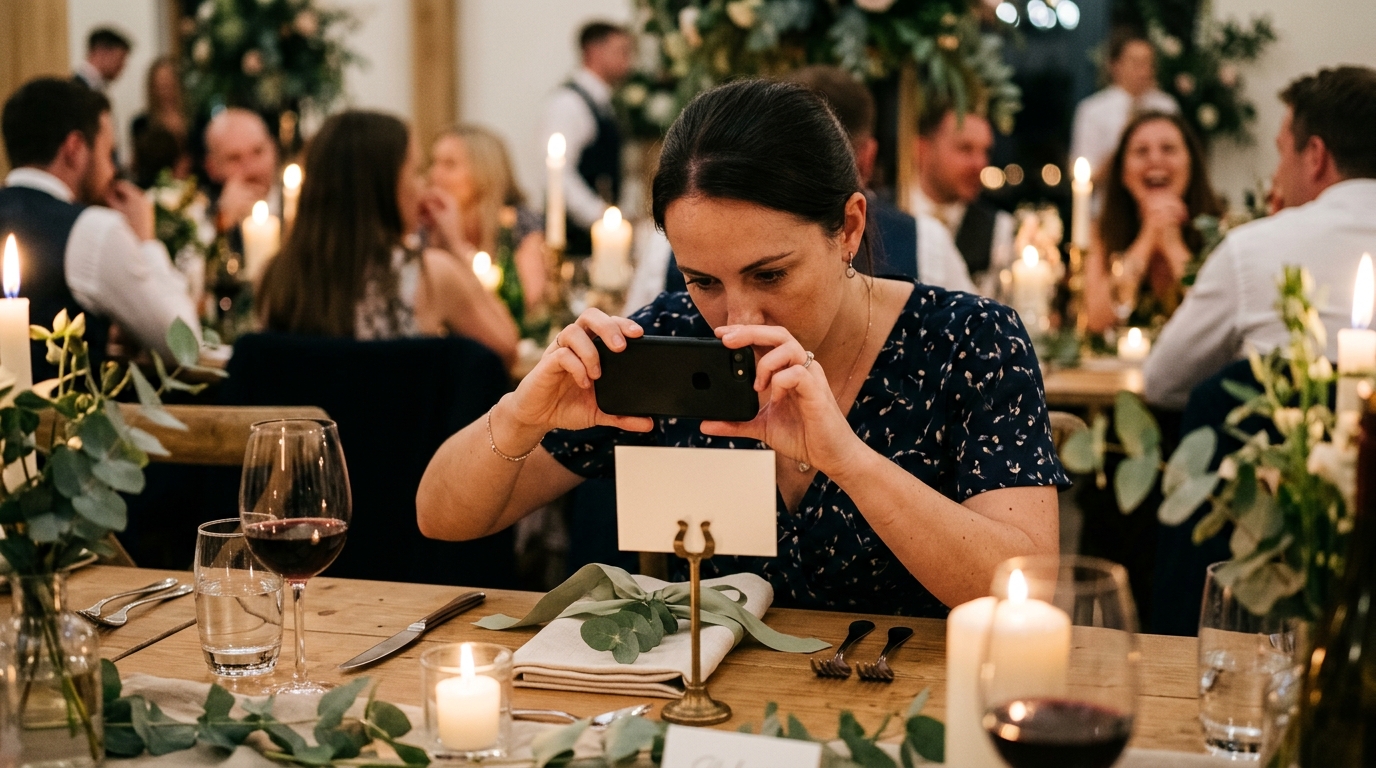
The most reliable setup. Guests find the code when they sit down, which is when their hands are free and they have a few minutes to spare.
-
4 × 6 or 5 × 7 card
Stand it up
A card lying flat disappears under plates and glasses. Put it in a small frame or card holder, or lean it against the centerpiece, so it faces the guests.
-
4 × 6 or 5 × 7 card
One per table, two for long tables
Everyone should be able to reach a code without getting up. A round table needs one card. A long banquet table needs one at each end.
-
4 × 6 card
Or put one at every seat
At a smaller dinner, such as the rehearsal dinner, a card on each plate means every guest has their own, with time to scan before the food arrives.
-
4 × 6 card
Keep a stack next to the two of you
When guests come over to say hello, hand them a card. Being handed something by the couple is the surest way to get it used.
One large sign at the entrance
A single printout every guest passes on the way in. It is less to print and set up, and it looks great, but it only works if it is big and in the right spot.
-
18 × 24 or 24 × 36 poster
Put it where guests slow down
Beside the seating chart, the guest book, the welcome table or the bar. Guests scan while they wait. A sign in a doorway gets walked past.
-
18 × 24 or 24 × 36 poster
Raise it to eye level
Use an easel or a stand so the code sits about chest to eye height. Guests should be able to scan it from a few steps back, without crouching.
-
18 × 24 or 24 × 36 poster
Make sure it is lit
Phone cameras struggle with a code in a dark corner. Check the spot at the time of day guests will arrive, and move the sign toward a light if you need to.
-
4 × 6 card
Have someone standing beside it
Ask a friend or an usher to greet guests at the sign and point it out, or hand each guest a small card as they arrive.
Can't decide? Do both
The sign catches guests on the way in, and the table cards catch everyone who walked past it. Both carry the same code, so there is nothing extra to set up.
Use a template, or design your own
Use one of our templates
The quickest route. Pick a design, add your names, and download a print-ready card (4 × 6 or 5 × 7) or poster (18 × 24 or 24 × 36). It is free, and your code is already placed and sized to scan.
Make it truly custom
Want it to match your invitations exactly? Download only the QR code from the QR code tab in the Moments app, then drop it into your own design in Canva or a similar tool.
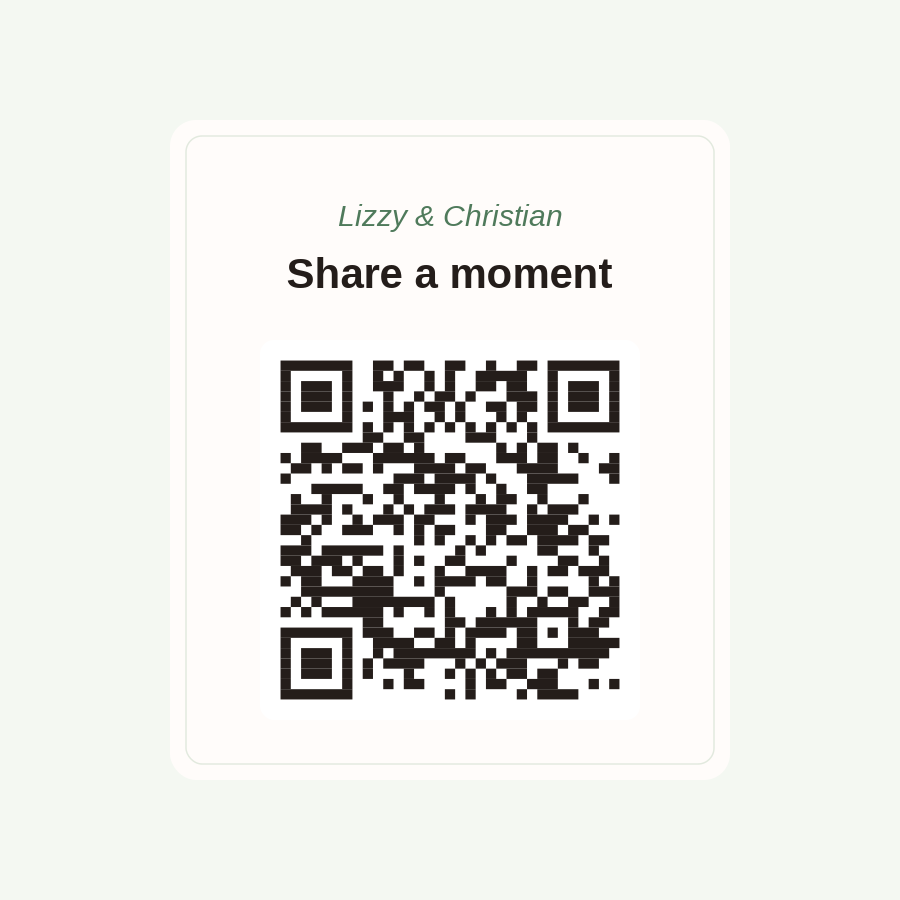
If you design your own, these rules keep the code scannable:
-
Keep the code big enough
On a table card, make the code at least 1.5 inches wide. On a sign, a good rule is one inch of code for every foot of scanning distance, so a code guests scan from six feet away should be about six inches wide.
-
Dark code, light background
Keep the code dark on a plain, light background, with a clear margin around it. Don't stretch it, recolor it to a pale shade, or lay it over a photo or pattern.
-
Say what it is for
A code on its own gets ignored. Add one short line above it, such as “Scan to share your photos with us”, so guests know why they should scan.
Before you print
-
Print one and scan it first
Print a single copy at full size and scan it with two or three different phones, in dim light, before you print the rest.
-
Choose matte over glossy
Glossy paper and glass frames reflect candles and overhead lights, and the glare can stop a camera from reading the code. Matte card stock scans best.
-
Print a few extra
Cards get wet, bent or carried off. A handful of spares costs almost nothing and saves a table from going without.
The most important part: tell your guests
A beautiful card that nobody mentions is easy to ignore. Guests need to hear about it at least once. One comment from someone in the wedding party, or from the two of you, makes a huge difference to how many guests take part.
-
Ask your DJ or MC to announce it
The best moment is just after guests sit down for dinner. Everyone is seated, the card is in front of them, and their hands are free.
-
Work it into a speech
A line from the best man, the maid of honor or a parent lands with the whole room at once. The rehearsal dinner is a good place for it too.
-
Say it yourselves
Mention it in your welcome toast, or as you go from table to table. Guests are happy to do something the couple asked them to do in person.
Something to say
“There's a QR code on your table. Scan it and you'll get a few photo and video prompts to do tonight. Everything you send goes straight to us, and we can't wait to see the day through your eyes.”
Make your cards and posters
Paste your guest link, add your names, and download a print-ready card or poster for free.
Make your cards